Trackier Implements Two-Factor Authentication to Enhance Account Security
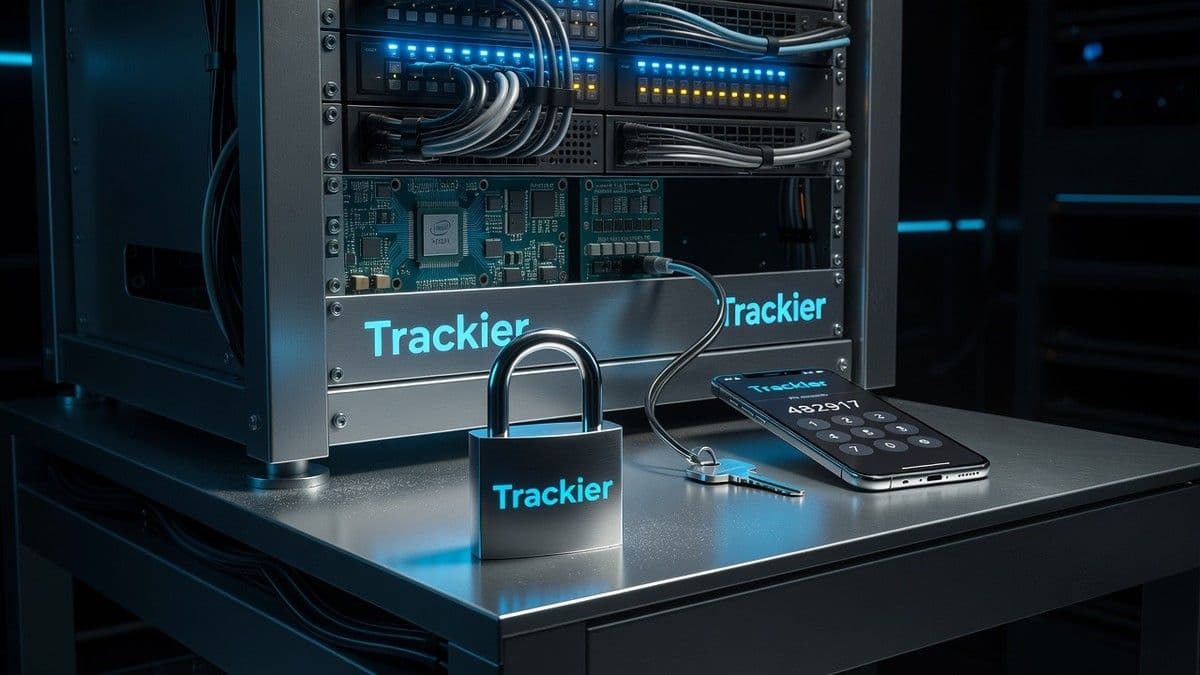
The March 2024 update introduces two-factor authentication (2FA) in Trackier, adding an additional step to protect campaign, conversion, and payment data from unauthorized access.
Key Takeaways
- Trackier has incorporated two-factor authentication (2FA) in its March 2024 update to enhance the protection of account data.
- 2FA requires a temporary six-digit code in addition to the usual email and password.
- The feature is available for admins, advertisers, publishers, and team members, with each user required to enable it individually.
- Backup codes allow access recovery in case the authentication app is lost.
- Trackier support assists in cases of total lockout; activation of 2FA is done from the user profile.
Trackier has announced the incorporation of two-factor authentication (2FA) as part of its March 2024 product updates. From now on, any user enabling 2FA will need to enter not only their usual email and password but also a temporary six-digit code generated by an authentication app. This change aims to mitigate the risks of unauthorized access amid rising threats to critical information, such as campaign data, conversions, payments, and configuration parameters.
Why Trackier Incorporates Two-Factor Authentication (2FA)
Access based solely on passwords has repeatedly shown vulnerabilities, especially when users recycle credentials across different services. By enabling two-factor authentication, Trackier introduces a second barrier for protecting sensitive accounts and data used in performance marketing, publisher relations, advertising, reporting, and payment flows. Hence, an attacker who obtains the password would still need the temporary second factor, reducing the risk of breaches.
How 2FA Works in Trackier: Process and Security Factors
The 2FA in Trackier adds a simple but effective process:
- Enter the usual email and password.
- Input the six-digit verification code from an authentication app (like Google Authenticator). This code renews periodically.
Users gain access only after correctly entering both factors, making it difficult to reuse old or stolen credentials. The system is designed so that the login flow remains non-disruptive for those managing multiple campaigns or working with sensitive information.
Users Authorized to Activate Two-Factor Authentication in Trackier
Two-factor authentication is available for various roles within Trackier:
- Administrators: can enable 2FA on their own accounts.
- Advertisers: have the option to add 2FA to their profiles.
- Publishers: can secure their accounts with 2FA.
- Team members: each member can individually activate it for their session.
An administrator cannot enable 2FA on behalf of others; activation always corresponds to each end user. However, administrators can recommend or encourage activation among their teams.
How to Set Up Two-Factor Authentication in Trackier
Configuration is done directly from the user profile:
- Log into the Trackier dashboard and access the profile in the upper right corner.
- Select the "Password and Security" section.
- Locate the Two-Factor Authentication option and enable it.
- Download an authentication app (Trackier suggests Google Authenticator).
- Scan the QR code provided by Trackier with the app.
- Enter the six-digit code generated by the app in the Trackier interface to complete activation.
After these steps, two-factor authentication is active.
Backup Codes: Prevention Against Access Loss
Once activated, Trackier provides a set of recovery codes. These serve to regain access to the account if the authentication app is inaccessible, in situations such as:
- Loss, restoration, or change of mobile device.
- Accidental deletion of the authentication app.
- Temporarily blocked access to the configured device.
Trackier recommends securely storing these codes, preferably in a password manager, a protected digital folder, or a physical copy kept out of reach from others.
What to Do if You Lose Access to the Authentication App
If users cannot access the authentication app when trying to log in, the recommended route is to use one of the backup codes generated during setup and stored previously. If neither the app nor the backup codes are available, the next step is to contact the Trackier dashboard administrator or Trackier support for assistance.
To minimize the risk of being locked out:
- Immediately store the backup codes after activating 2FA.
- Keep the authentication app handy when changing devices.
- Reconfigure 2FA when migrating to a new phone.
"Two-factor authentication provides an extra critical barrier in times where phishing and password reuse are common," states the Trackier product team.
Enhance Security Without Complicating Daily Management
The March 2024 update responds to the growing demand for strengthening access in platforms handling confidential information in B2B digital marketing environments. Adopting 2FA does not imply a radical change in the user's daily experience, but it does represent a tangible leap in preventing fraudulent accesses and protecting financial and operational information.
Activating 2FA is immediate from the profile, under the path Profile → Password and Security. The entire process takes only a few minutes and can save operators or network providers from significant incidents. For technical inquiries, users can reach out via the integrated chat or the Trackier support team.
Perspectives: Balancing Security and Usability in Trackier
The deployment of two-factor authentication in B2B platforms like Trackier illustrates the increasing pressure to balance security and usability. While the digital infrastructure of affiliate marketing and performance campaigns demands flexibility, integrating measures like 2FA becomes difficult to overlook given the real risks faced by operators, publishers, and advertisers.
Trackier's modular approach—allowing individual activation and providing mechanisms like backup codes—seeks to mitigate risks without hindering daily operational flows.
Frequently Asked Questions
What is two-factor authentication in Trackier?
Two-factor authentication in Trackier requires a six-digit code generated by an app like Google Authenticator, in addition to the password, to access an account; this mechanism decreases the likelihood of unauthorized access.
Who can activate two-factor authentication in Trackier?
The feature is available for administrators, advertisers, publishers, and team members, but only each user can activate it for their own account, as administrators cannot do so on behalf of others.
How do you set up 2FA in Trackier?
To activate 2FA in Trackier, the user should go to Profile → Password and Security, enable two-factor authentication, scan the QR code with an authentication app, and verify the generated code to complete the setup.
What should I do if I lose access to my authentication app in Trackier?
If you lose access to the authentication app, you can recover access using one of the backup codes generated during 2FA activation; if you have neither the app nor the codes, you should contact Trackier support.
Does two-factor authentication complicate daily experience in Trackier?
2FA adds a brief step but does not radically change the login flow, allowing users to maintain efficiency in operations while enhancing account security.
Tags
About the author

Emilio Navarro
Industry Technology Correspondent
Emilio Navarro covers the cross-cutting technology and business of iGaming — platforms, data and AI, compliance tooling, affiliate marketing, financial results, and the stories that fit no single rubric. The reports open with the announcement, cite vendors and figures exactly as published, and keep a healthy distance from press-release language. When a supplier unveils a new engine or the advertising rulebook changes, Emilio Navarro reports what genuinely changes.
More from Emilio Navarro