Trackier Rolls Out Two-Factor Authentication for Account Security
March 2024 updates introduce Two-Factor Authentication to Trackier, requiring a 6-digit verification code generated by an authentication app for all user types.
Key Takeaways
- Trackier launched Two-Factor Authentication in its March 2024 product update.
- 2FA requires a time-sensitive 6-digit code from a mobile authentication app for login.
- Admins, advertisers, publishers, and team members can all individually enable 2FA.
- Backup codes are provided to reduce account lockout risk if device access is lost.
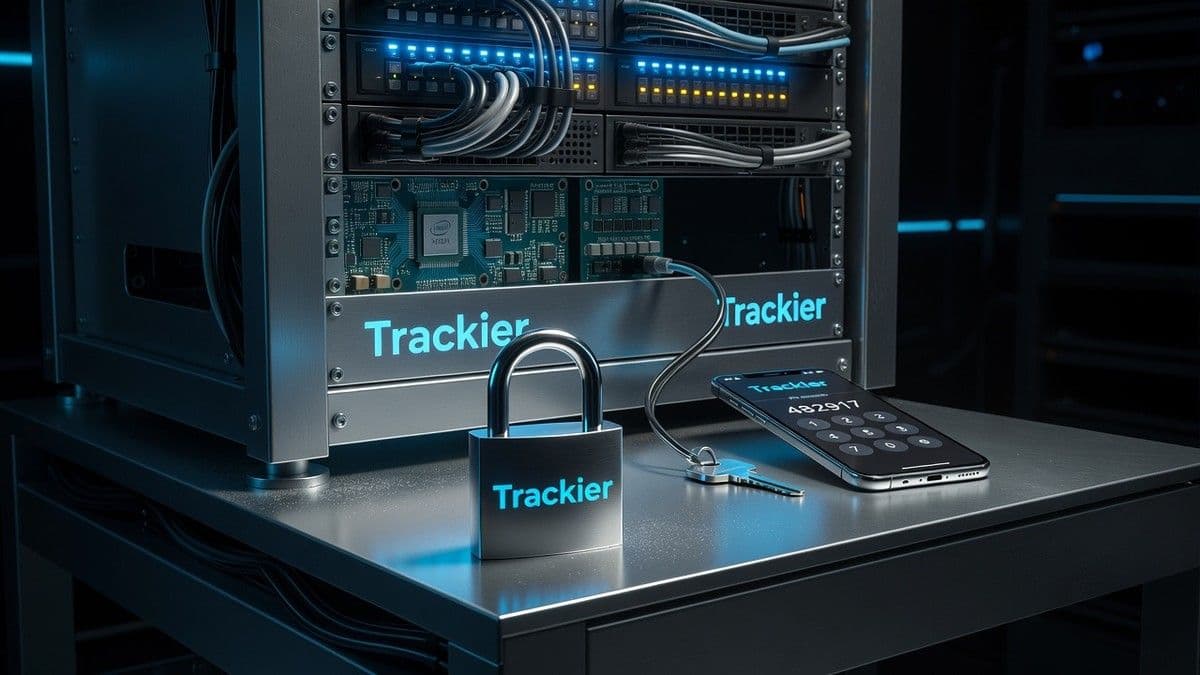
Trackier’s March 2024 product update centers on the launch of Two-Factor Authentication (2FA), now available to all user roles on the performance marketing platform. Any user who enables 2FA must input a time-limited 6-digit code from an authentication app—on top of their usual email and password—before accessing campaign, conversion, or financial data. The addition seeks to address persistent concerns around credential reuse and unauthorised access, especially where platforms handle sensitive advertiser and publisher information.
Why Trackier Introduced Two-Factor Authentication
Performance marketing operations often place substantial business and personal data within their management platforms. Relying solely on passwords is seen as insufficient, reflected in repeated industry warnings about credential compromise. Trackier’s new authentication process adds a requirement for a single-use verification code from an authentication app, aiming to reduce fraud and unauthorised entry even if account passwords are breached. The update covers data protection for campaign results, payment records, and key performance analytics.
How Trackier Two-Factor Authentication Works
The 2FA process in Trackier builds on the standard login journey, introducing a secondary authentication step. The required flow is:
- Enter your email and password as usual at login.
- Input a 6-digit code generated by a compatible authentication app, such as Google Authenticator.
- On successful verification, access your Trackier account as normal.
The 6-digit code is time-dependent and regenerated at short intervals, making static credential attacks less viable. If the code is entered incorrectly, access is denied. Even if a password is compromised through phishing or credential stuffing, the absence of the code forms a second barrier.
"Two-Factor Authentication helps protect sensitive campaign and conversion data, publisher and advertiser information, payment details, and account settings," the company announced in its official update.
Who Can Enable Trackier Two-Factor Authentication
Trackier’s implementation of 2FA is available for a broad range of user types:
- Admins – Can activate 2FA for their own accounts, but cannot enforce it for other users.
- Advertisers – Each advertiser can individually enable 2FA on their account.
- Publishers – Publisher users are covered and can opt in independently.
- Team Members – Every user may individually enable (but not be mandated by admins) Two-Factor Authentication.
An admin is able to recommend, but not require, 2FA adoption across the team. There is currently no centralised control for enforcing 2FA as a platform-wide default. This decentralised model means overall adoption depends on user initiative, rather than organisational mandate—a point that may limit its effectiveness against insider threats.
Enabling and Using 2FA: Trackier’s Onboarding Steps
Setting up 2FA on a Trackier account is designed around a standardised process familiar to most authentication workflows:
- Profile Access: Login and access your user profile via the panel’s top-right menu.
- Navigate to Security Settings: Within your profile, locate the 'Password and Security' section, then toggle Two-Factor Authentication.
- Install an Authentication App: Download an app such as Google Authenticator to your mobile device. Trackier offers no proprietary app and refers users to established third-party solutions.
- Scan Provided QR Code: When 2FA is enabled, the system displays a QR code. Users link their authentication app by scanning this code.
- Input an Initial 6-Digit Code: Enter the initial code generated by the app. Trackier verifies this to complete setup.
Accounts are protected immediately after verification. The sequence is familiar to users of other platforms with strong authentication protocols, but Trackier does not presently support hardware security keys or biometric login as alternatives to app codes.
Backup Codes and Account Lockout Contingencies
A common failure mode for 2FA users is device loss, leading to account lockout. Trackier provides backup codes during setup:
- Users must save backup codes securely (password manager, encrypted file, or physical storage).
- A backup code allows account access if the authentication app or device becomes unavailable.
- Circumstances for backup code use include phone loss, device resets, app deletion, or temporary denial of device access.
If both the authentication app and backup codes are lost, the stated recourse is to contact the user’s panel administrator or the Trackier support team. The company’s support documentation highlights the importance of storing backup codes immediately upon activation.
What Happens If Access Is Lost?
If users can still access their device, they use the current 6-digit app code as before. If they lack access to both the app and their saved codes, all recovery routes require contacting Trackier support or a panel admin. There is no automated fallback or biometric override.
The process Trackier advises to avoid lockout:
- Save backup codes as soon as 2FA is set up.
- Keep the authentication app accessible while changing devices.
- Reconfigure 2FA on the new device after migration.
Practical Observations on Trackier’s Security Enhancement
Trackier’s 2FA implementation, announced in March 2024, positions the platform closer to industry standards for performance marketing account security. Adoption depends entirely on individual action; admins cannot enforce organisation-wide compliance. The support for time-sensitive authentication apps echoes wider technology sector approaches, but the absence of hardware tokens, mandatory rollout, or advanced risk detection means Trackier remains in line with, not ahead of, account security practices in the sector.
For additional help, the company directs users to contact their support team through email or the in-platform chat function.
Frequently Asked Questions
What is Trackier Two-Factor Authentication and how does it work?
Trackier Two-Factor Authentication adds a secondary login step: after entering email and password, users must input a 6-digit code generated by an authentication app, making unauthorised access more difficult.
Who can enable 2FA on Trackier accounts?
Admins, advertisers, publishers, and individual team members can each enable Two-Factor Authentication for their accounts, but admins cannot enforce it platform-wide.
What are backup codes and why are they important in Trackier?
Backup codes are provided during 2FA setup and allow account access if a user loses access to their authentication app or device, helping avoid lockout.
What should a user do if they lose access to their authentication app and backup codes?
If both the app and backup codes are unavailable, users must contact their panel administrator or the Trackier support team for account recovery.
Does Trackier's 2FA support hardware security keys or biometric authentication?
Trackier's current 2FA implementation relies solely on authentication apps and does not offer hardware security tokens or biometric login as alternatives.
Tags
About the author

Oliver Grant
Industry Technology Correspondent
Oliver Grant covers the technology and business machinery of iGaming — platform and data deals, AI and compliance tooling, affiliate and marketing shifts, and the quarterly numbers behind them. The reports lead with the announcement, name the vendors and figures exactly as published, and separate genuine capability from press-release promise. When a supplier ships a new engine or a regulator tightens ad rules, Oliver Grant explains what actually changes for the companies involved.
More from Oliver Grant