Create High-Performance Campaigns with the Trackier Assistant
The campaign assistant simplifies setup and launch with a guided step-by-step flow.
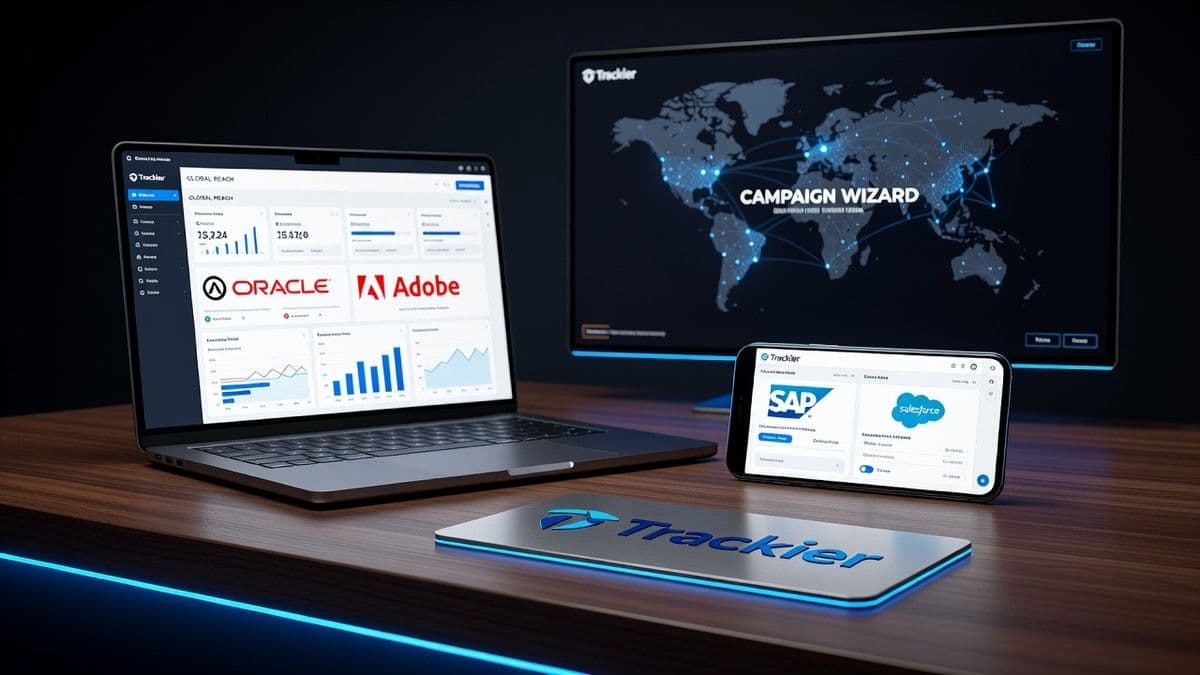
The Trackier Campaign Assistant allows you to create high-performance campaigns in minutes, guiding users through each key step of the process. From basic setup to tracking, payments, and segmentation, the assistant ensures every important configuration is completed correctly. Launching campaigns efficiently is easier and less prone to errors.
What is the Campaign Assistant?
The Trackier Campaign Assistant is a tool that simplifies campaign creation through a structured workflow. Unlike manual management, this tool walks you step-by-step through each vital configuration. Ideal for both those launching their first offer and experienced users, it ensures that all essential adjustments are configured properly.
Benefits of the Campaign Assistant
Manually setting up a campaign can be a tedious and error-prone task. The assistant:
- Speeds up campaign creation with a guided flow.
- Configures tracking and payments in one place.
- Reduces configuration errors.
- Improves consistency in advertiser campaigns.
- Saves time for campaign and operations teams.
Before Creating a Campaign
Before launching a campaign, make sure you have:
- Your advertiser added in the Trackier panel.
- Advertiser postback configuration if necessary.
- Publishers ready to promote the campaign.
- Destination URLs and payment details prepared.
With these details in place, creating the campaign will be much quicker.
How to Create a Campaign with the Assistant
Navigate to "Campaigns" and click on "Create Campaign" to start the Campaign Assistant. This opens a structured flow instead of a blank page with scattered settings. The assistant guides you through each configuration step, from basic campaign details to tracking, payments, segmentation, and publisher adjustments, ensuring nothing is overlooked.
Step 1: Basic Campaign Information
Start by entering the main campaign details:
- Campaign Name
- Advertiser
- Campaign Status
- Campaign Category
- Campaign Description
Step 2: Set Up Tracking
Configure how Trackier should track traffic and conversions:
- Tracking URL
- Attribution setup
- Postback configuration
Step 3: Define Payments and Revenue
Define how publishers are rewarded and how campaign revenue is calculated:
- Payment to publisher
- Advertiser revenue
- Commission models
Step 4: Add Landing Pages
Every campaign needs at least one landing page:
- Add one or multiple landing pages
- Assign priorities to pages
- Set up redirects
Step 5: Set Up Targeting
Define who will receive traffic from your campaign:
- Country
- Device
- Browser
Step 6: Configure Publisher Settings
Decide how publishers will interact with the campaign:
- Publisher visibility
- Publisher-specific payments
Step 7: Review Campaign Configuration
Before publishing, carefully review all settings.
Launch Your Campaign
Once everything is set up, save the campaign. Trackier will immediately generate the tracking links, allowing publishers to send traffic as soon as they are approved.
Improve Efficiency with the Assistant
To maximize the benefits of the assistant:
- Complete the advertiser setup before creating the campaign.
- Verify landing page URLs before publishing.
Common Mistakes to Avoid
Here are some common mistakes to avoid:
- Launching without setting up conversion tracking.
- Missing landing pages.
Need help? Our support team is available via chat on the platform or at [email protected].
Frequently Asked Questions
What is the Campaign Assistant in Trackier? The Campaign Assistant is a guided campaign creation tool that walks you through every key step, from basic details to tracking and publisher configuration.
How do I create a campaign using the Assistant? Navigate to "Campaigns" and click on "Create Campaign". It guides you through seven steps: basic information, tracking setup, payments, landing pages, targeting, publisher adjustment, and review.
What do I need before starting the Assistant? Before launching a campaign, add your advertiser to the Trackier panel, configure postback if necessary, and prepare landing page URLs and payment details.
Tags
About the author

Emilio Navarro
Industry Technology Correspondent
Emilio Navarro covers the cross-cutting technology and business of iGaming — platforms, data and AI, compliance tooling, affiliate marketing, financial results, and the stories that fit no single rubric. The reports open with the announcement, cite vendors and figures exactly as published, and keep a healthy distance from press-release language. When a supplier unveils a new engine or the advertising rulebook changes, Emilio Navarro reports what genuinely changes.
More from Emilio Navarro